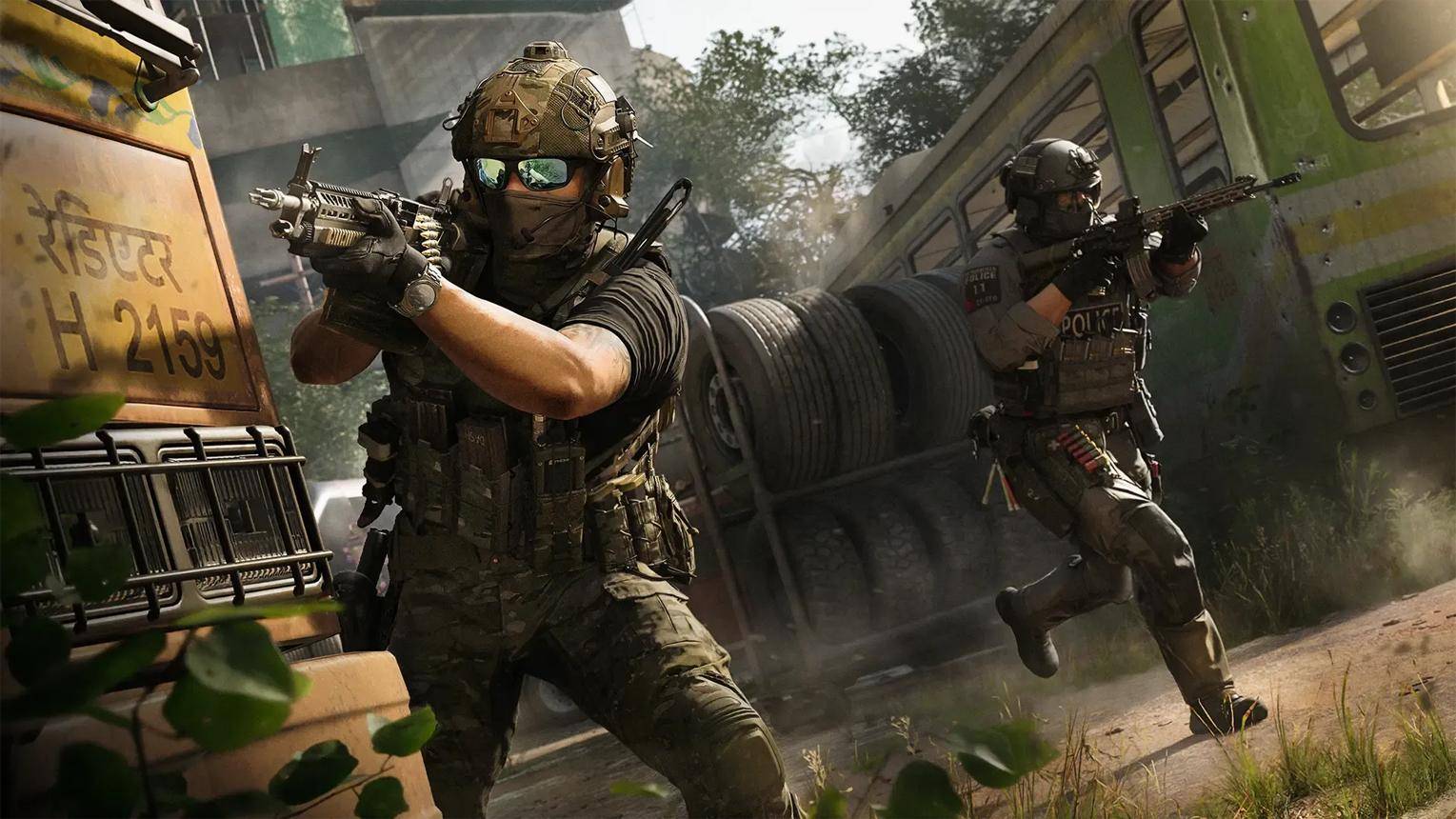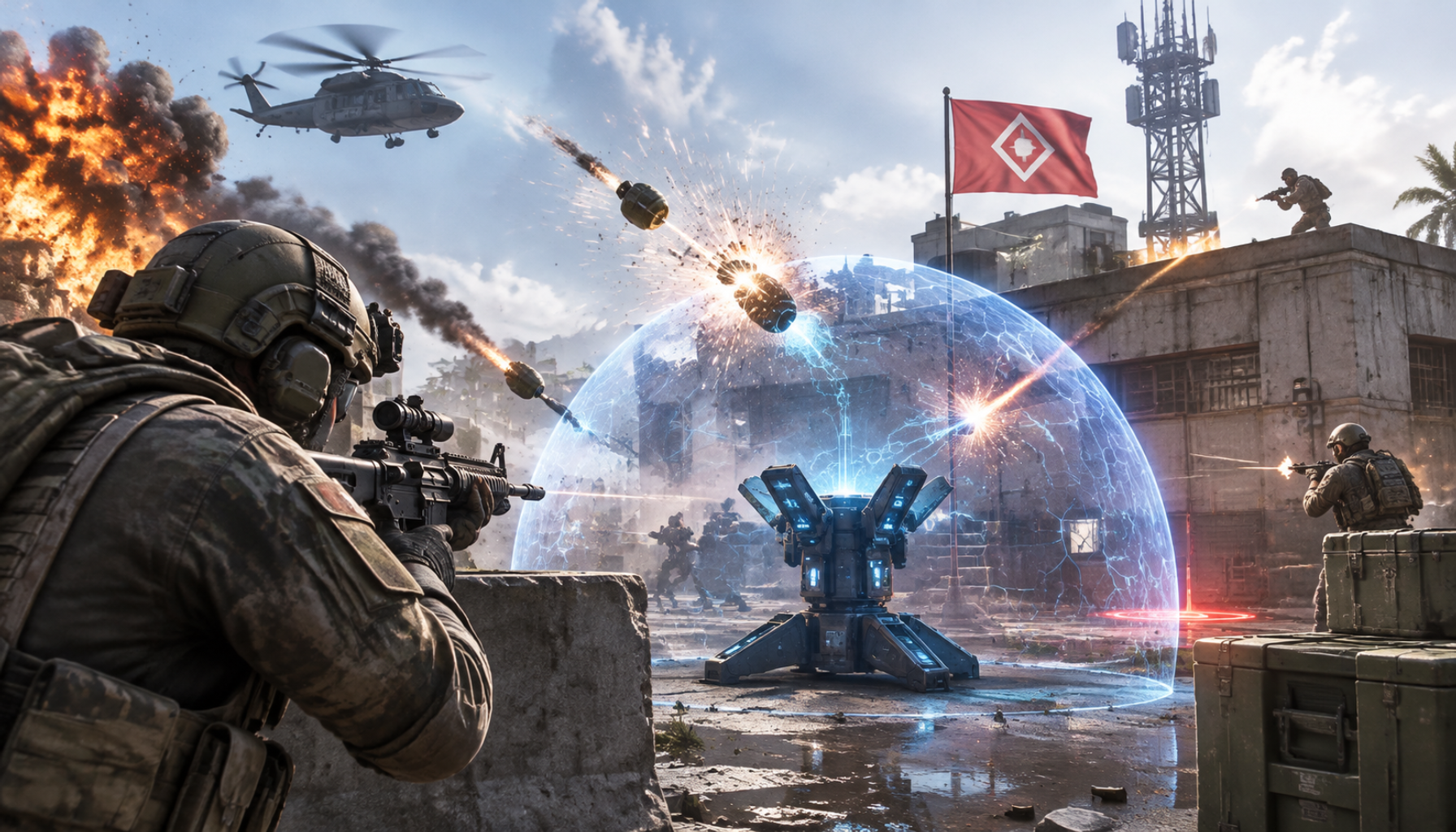




Possum remains an important survival Trait in MW4 DMZ, giving Operators another opportunity to recover after being eliminated. However, its interaction with Possum Pro has changed. The two Traits can no longer stack to provide additional recovery opportunities, so players should review their Operator builds before spending more Trait Points.
If your Operator already has Possum Pro, investing in regular Possum for another activation is no longer worthwhile. Instead, focus on Traits that support your deployment objectives, whether you are collecting supplies, completing missions, or preparing for extraction. Players who prefer a separate environment for combat practice can also consider MW4 Bot Lobbies alongside their DMZ progression.
How Possum and Possum Pro Work
Possum is a Major Trait in the Warfighter tree. It allows an Operator to return after being killed and enter Last Stand with full health. The ability can activate once per match, giving you another chance to recover and potentially reach extraction.
Possum Pro is the upgraded Prestige version. It retains the Possum recovery benefit and removes the health penalty associated with using a Tourniquet.
The important change is that the regular and Pro versions no longer stack. Having both equipped does not provide two separate recovery opportunities. Treat them as one recovery ability rather than two independent activations.
What Changed With Possum?
The updated Trait rules affect both recovery timing and the distance required between you and the squad that eliminated you.
- Larger enemy distance restriction: The squad responsible for killing you must move 2.5 times farther away than under the previous restriction before Possum can activate.
- Longer failsafe: The fallback activation timer has increased from four minutes to five minutes.
- Single recovery opportunity: Possum and Possum Pro no longer stack to provide an additional activation.
- Last Stand recovery: The Trait returns you to Last Stand with full health rather than immediately placing you back on your feet.
The five-minute timer is a fallback, not a mandatory waiting period after every elimination. If the enemy squad moves far enough away, the normal activation condition may become available sooner.
Watch the on-screen recovery prompt instead of relying only on the timer. This helps you recognize when Possum is ready and avoid wasting time waiting unnecessarily.
How to Adjust Your Operator Build
Before changing your Traits, open the Operator selection screen and inspect the build you plan to deploy. The best adjustment depends on whether you already have Possum Pro and how you normally approach DMZ.
If you have Possum Pro: Keep the upgraded Trait for its recovery benefits, but do not invest additional points in regular Possum just to obtain another activation. Use those points on other Traits that support your preferred playstyle.
If you have regular Possum: You do not need to rebuild your entire Warfighter tree. Regular Possum still provides its once-per-match recovery, so keep it if survival is a priority for your Operator.
If you mainly run loot routes: Consider Supplied Drops. It gives eligible crates a 50% chance to contain an extra container and also applies to Dynamic Operations crates. This makes it useful when your regular routes include frequent crate searches.
Supplied Drops is less valuable if you rarely open eligible containers. Choose Traits based on the activities you actually perform rather than spending points on benefits that seldom apply.
How to Use Possum Effectively
Possum is a survival tool, not a guarantee that you can win the fight that eliminated you. Once it activates, your immediate goal should be to recover safely and decide whether continuing the deployment is worthwhile.
For squad players:
- Tell teammates when Possum activates so they understand that you are still in Last Stand.
- Ask a teammate to watch nearby enemy positions while you recover.
- Avoid immediately returning to the same fight without checking enemy positions.
- Regroup, restore your equipment, and confirm the next objective before moving.
For solo players:
- Check the surrounding area before attempting to continue.
- Identify a safe retreat route and the nearest practical extraction option.
- Consider how much deployment time remains before returning to an unfinished objective.
- Prioritize extraction if you already have valuable loot or mission items.
Remember that Possum does not automatically restore you to normal standing combat. You still need to complete the usual recovery process after entering Last Stand.
Common Possum Mistakes to Avoid
Investing in both versions for extra recovery: The stacking interaction has been fixed. Possum Pro does not grant a separate second activation.
Waiting five minutes every time: The timer is a failsafe. The normal distance requirement can allow activation sooner.
Assuming Last Stand means a full revival: You still need to recover before returning to normal movement and combat.
Pushing into the same fight again: Use the recovery opportunity to reposition, protect your equipment, and prepare for extraction rather than immediately repeating the encounter.
Build for Survival and Successful Extraction
Possum is most useful when you treat it as a limited safety net. Keep regular Possum if it fits your current Operator build, avoid investing in duplicate recovery effects, and use the remaining Trait Points to support your main deployment objectives.
For loot-focused runs, Supplied Drops can improve the value of eligible crate searches. Players working on separate weapon progression can also consider MW4 Leveling Boosting as another option while keeping their DMZ Operators focused on survival, mission completion, and successful extraction.